CQRS, which stands for Command Query Responsibility Segregation, is an architectural pattern that separates the operations that modify data from the operations that read data. While it adds complexity, it can be incredibly powerful in the right scenarios. In this guide, I'll explain what CQRS is, when to use it, and how to implement it effectively.
Understanding the Core Concept
In most applications, the same model is used for both reading and writing data. You have a User model that handles both saving user data and retrieving it. This works well for simple applications, but as your application grows, the read and write workloads often have very different requirements.
Read vs Write Workloads
Read operations need to be fast and flexible. They might need to return data in different shapes, aggregate data from multiple sources, or support complex filtering and sorting. Write operations need to maintain data integrity, enforce business rules, and handle concurrent updates safely.
These different requirements mean that optimizing for reads often conflicts with optimizing for writes. CQRS solves this by using different models for reading and writing.
How CQRS Works
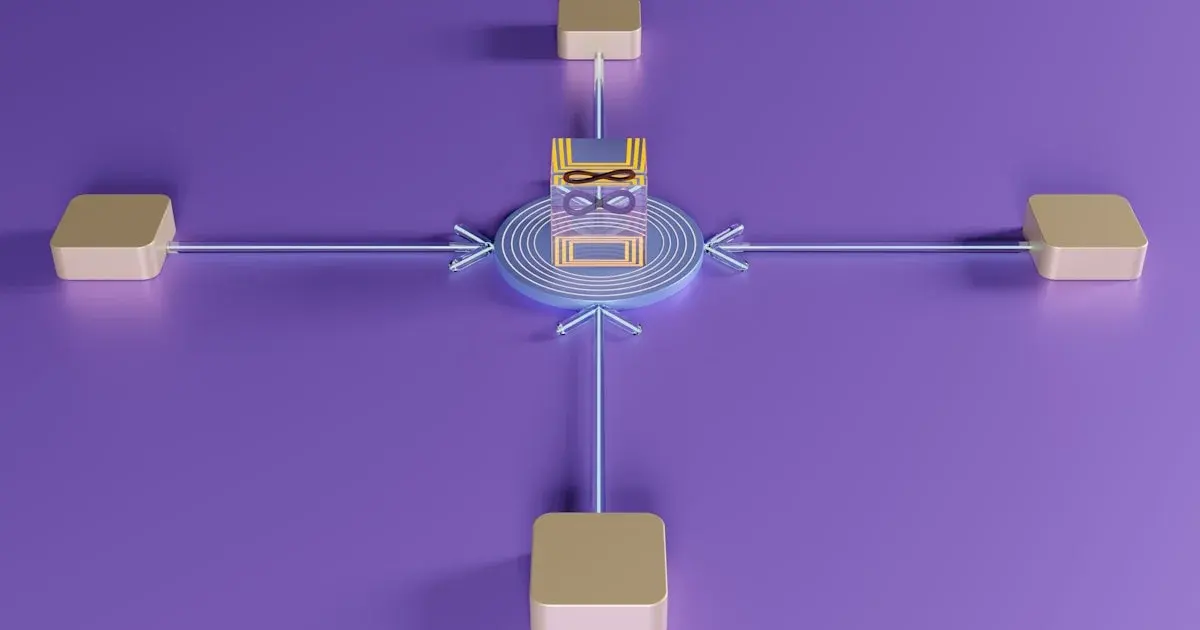
CQRS separates these concerns by using different models for reading and writing. Commands handle write operations and Queries handle read operations. This lets you optimize each side independently.
When CQRS Makes Sense
CQRS is not the right choice for every application. It adds complexity, and for simple CRUD applications, that complexity is not justified. But there are specific scenarios where CQRS shines.
Different Scaling Needs
The first scenario is when read and write workloads have different scaling needs. If your application has many more reads than writes, or if reads and writes peak at different times, CQRS lets you scale each side independently. You can add more read replicas without affecting write performance.
For example, a content management system might have thousands of reads for every write. With CQRS, you can scale the read side horizontally with multiple replicas while keeping the write side simple and consistent.
Different Read and Write Models
The second scenario is when the read model needs to be significantly different from the write model. For example, a write operation might store data in a normalized form for data integrity, while reads need denormalized data for fast queries.
With CQRS, you maintain separate models optimized for each use case. The write model focuses on data integrity and consistency. The read model focuses on query performance and flexibility.
Event-Driven Systems
The third scenario is in event-driven systems where you want to maintain a complete audit trail of all changes. Commands can be stored as events, giving you a full history of every change to the system. This is valuable for compliance, debugging, and understanding how your system evolved over time.
How to Implement CQRS
Start by separating your commands and queries into different classes or modules. Commands are objects that represent an intent to change state. They are named in the imperative: CreateUser, UpdateOrder, CancelSubscription.
Commands
class CreateUserCommand {
    constructor(
        public readonly email: string,
        public readonly name: string,
        public readonly password: string
    ) {}
}

class CreateUserHandler {
    async handle(command: CreateUserCommand): Promise<void> {
        // Validate the command
        // Apply business rules
        // Save to database
        // Publish events
    }
}
Commands should be simple data structures that represent intent. The handler contains the logic for processing the command.
Queries
Queries are objects that represent a request for data. They are named to describe what data is being requested: GetUserById, SearchOrders, GetDashboardMetrics.
class GetUserQuery {
    constructor(public readonly userId: string) {}
}

class GetUserQueryHandler {
    async handle(query: GetUserQuery): Promise<UserDTO> {
        // Query the read-optimized data store
        // Return the data in the requested shape
    }
}
Queries should be read-only and should not modify state. They simply retrieve data from the read model.
Handling Eventual Consistency
One of the biggest challenges with CQRS is eventual consistency. When you separate read and write models, there is a delay between when data is written and when it appears in the read model. This is acceptable for many use cases but can be problematic for others.
The Consistency Challenge
For example, if a user updates their profile and immediately refreshes the page, they might see the old data until the read model is updated. This can be confusing and frustrating.
Strategies for Handling Consistency
There are several strategies for handling eventual consistency:
-
Synchronous updates: For critical data, update the read model immediately after writing. This ensures consistency but adds latency to write operations.
-
Loading states: Show a loading state while the read model is being updated. This sets user expectations and prevents confusion.
-
Stale data tolerance: Design your UI to handle stale data gracefully. Show a "last updated" timestamp. Allow users to manually refresh.
Common Pitfalls to Avoid
The most common mistake with CQRS is over-engineering. Teams adopt CQRS for simple applications that would be better served by a straightforward CRUD approach. Start simple and only add CQRS when you have a clear need for it.
Don't Add Event Sourcing Unnecessarily
Event sourcing is often used with CQRS, but it is a separate pattern with its own complexity. You can use CQRS without event sourcing. Don't add event sourcing unless you have a specific need for a complete audit trail.
Don't Forget Error Handling
When a command fails, the system needs to handle the failure gracefully. This might mean retrying the command, rolling back previous changes, or notifying an administrator. Plan for failures from the start.
Keep It Simple
Start with a simple implementation and add complexity only when you need it. You don't need a full event sourcing system, multiple read models, and complex synchronization logic from the start. Start simple and evolve your architecture as your needs grow.
Frequently Asked Questions
Is CQRS worth the complexity?
It depends on your application. For simple CRUD apps, no. For applications with complex read/write patterns, different scaling needs, or event-driven requirements, yes. The key is to use CQRS intentionally, not as a default architecture.
Do I need event sourcing with CQRS?
No. CQRS and event sourcing are separate patterns. You can use CQRS without event sourcing. Event sourcing is useful when you need a complete audit trail of all changes, but it's not required for CQRS.
How do I handle data synchronization?
Use event handlers to update the read model when data changes. Publish events from the command side and subscribe to them on the query side. Keep the synchronization logic simple and reliable.
Can I use CQRS with a single database?
Yes, you can use CQRS with a single database. You maintain separate read and write models (tables or collections) within the same database. This is simpler than using separate databases and works well for many applications.
What's the difference between CQRS and CQS?
CQS (Command Query Separation) is a simpler pattern that says methods should either be commands (modify state) or queries (return data), but not both. CQRS is CQS applied at the architectural level, with separate models for reading and writing.
The Bottom Line
CQRS can improve scalability and clarity in the right domains. Use it when read and write workloads have different scaling needs, when the read model needs to be significantly different from the write model, or in event-driven systems that need a complete audit trail. But use it intentionally, not as a default architecture for every problem.
Remember: the best architecture is the simplest one that solves your problem. Start simple, understand the trade-offs, and add complexity only when the benefits justify the cost.